A property video sounds like it ought to mean a film crew, a shoot day and an afternoon in an editing suite. With Listingly it doesn't. The raw material is the set of listing photos you've already taken, plus the details that go with them, and from those stills the AI builds a moving, branded walkthrough. This page explains how that works in plain terms — and stays honest about the limits, because a video of a real home only helps you if buyers can trust it.
What goes in: your photos
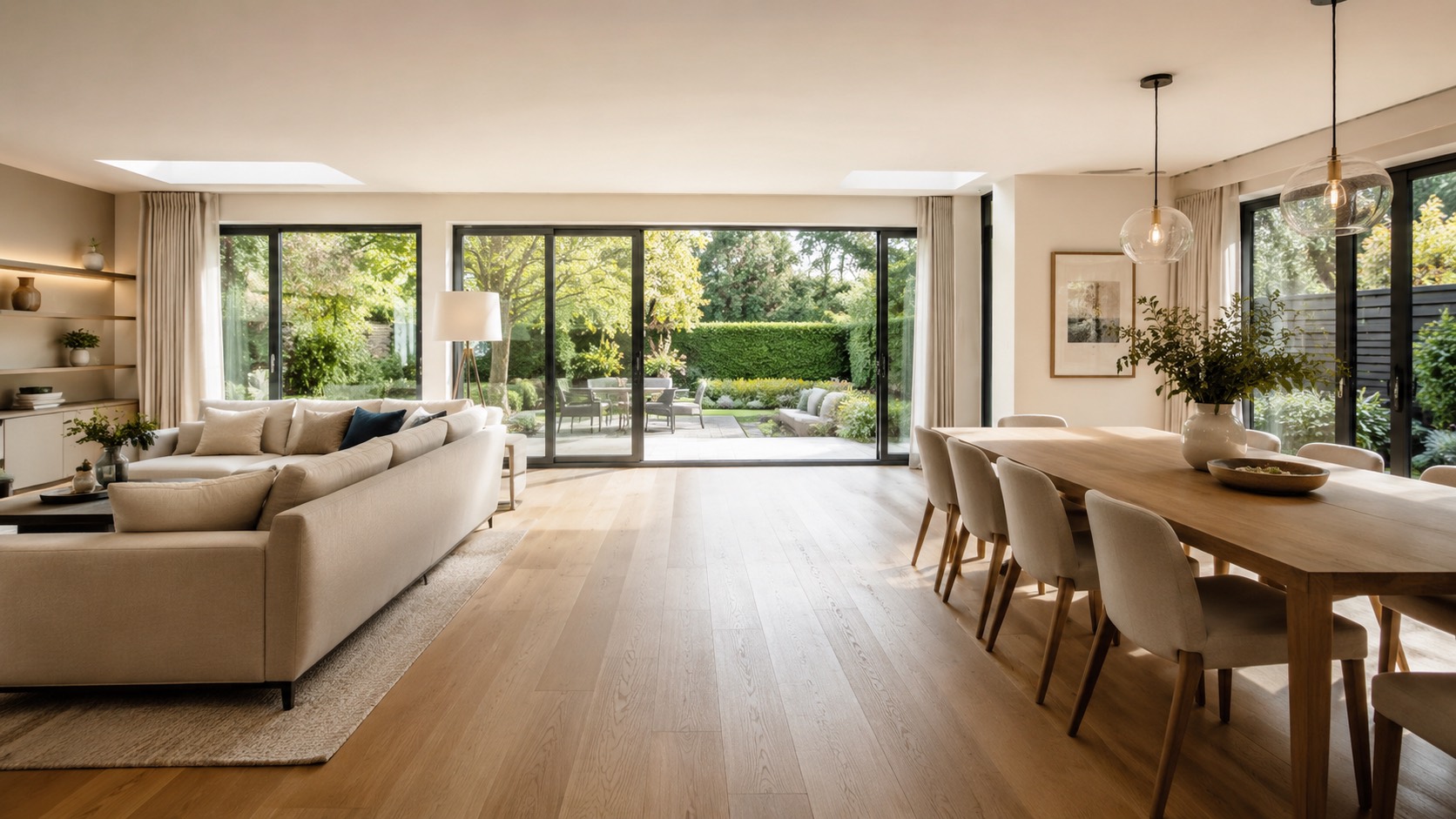
The input is the listing itself — the photos the agent has already shot and the details that accompany them. There is no filming, no second visit and no new photography. When you paste a listing, Listingly reads the images and particulars you've published and works from those. That's a deliberate constraint: the video is only ever a treatment of the real photos of a real home, so the starting point matters. Bright, well-lit, high-resolution images give the AI more to work with than dark ones — the same rule that applies to any good set of sales particulars.
What the AI actually does
It helps to think of it as a pipeline with four honest stages, rather than a single magic button. First, the AI adds motion to still photos. Some of that is the classic "Ken Burns" technique — controlled pans and slow zooms that drift across an image so a static room appears to breathe. The rest is AI image-to-motion: the system generates subtle movement within a still frame so a room reads as though it were filmed. The effect is cinematic motion applied to your actual photographs, not computer-generated footage of an invented space.
Second, it sequences the photos into a coherent walkthrough. Rather than playing your images in upload order, the AI arranges them into a sensible tour — typically opening on the strongest room to earn the first few seconds, moving through the living space in an order that makes the layout legible, and closing on the exterior or the setting. The aim is the rhythm a buyer would experience walking the home in person.
Third, it applies your brand. Your Brand Kit — logo, colours, fonts and a music bed — is laid over the edit so the finished video looks like your agency's own work and sits naturally alongside the rest of your marketing, whether that's a Rightmove listing or your social feed. Fourth, it exports every format from one render: a 16:9 master for portals and your website, a 9:16 vertical cut for Reels, Stories and TikTok, and a 1:1 square for the feed. One render, three shapes, no re-editing.
The pipeline at a glance
Your photos, not a shoot
The video is built from the listing images you've already published. No filming, no return visit, no new photography — the home you photographed is the home in the video.
AI motion, not CGI
Controlled pans and zooms plus AI image-to-motion make a still room appear to move as if filmed. It's motion added to your real photos, never a fabricated three-dimensional scene.
A sensible walkthrough order
The AI sequences your images into a tour — strongest room first, through the living space, closing on the exterior or setting — so the layout reads the way it would on a viewing.
Your brand applied
Your logo, colours, fonts and music are laid over every video, so the finished walkthrough looks like your agency rather than a stock template.
Every format from one render
A single render produces 16:9 for portals and your site, 9:16 for Reels, Stories and TikTok, and 1:1 for the feed — no separate re-edit for each platform.
What it won't do
It won't invent rooms or features, won't fabricate a property, and won't replace a physical viewing. It works from your real images, honestly presented.
What it does not do
This is the part that matters most, so it's worth being blunt. Listingly does not invent rooms or features that aren't in your photos. It works from your real images, not a fabricated property, and it won't conjure a garden, an extension or a view you didn't shoot. The motion is an enhancement of genuine photographs — not CGI of an imaginary home, and not a 3D model pretending to be a film.
It also isn't a substitute for a physical viewing. A video helps someone decide whether a home is worth their time; standing in the rooms is still where a buyer or tenant commits. And it asks nothing new of you operationally: you don't film, you don't learn editing software. The honest summary is simple — Listingly makes your real photos move and look branded, and stops there. If a feature isn't in the listing, it won't be in the video.
Why this matters to an agent
On a portal, almost every listing is a still gallery — which is precisely why a moving, branded walkthrough stops the scroll. It holds a buyer for a few extra seconds, lets them read a layout the way a viewing would, and signals the home has been marketed with care. Because the video is produced in minutes from assets you already own, you can give that treatment to every instruction, not just the trophy homes. To put a figure on what that's worth across your stock, the value calculator models it on your own numbers.
How you make one
Paste your listing
Drop in a listing URL and Listingly pulls the photos and details you've already uploaded — no filming, no shoot, no trip back to the property.
Pick your brand
Choose your Brand Kit — logo, colours, fonts and music — so the walkthrough looks like your agency and matches the rest of your marketing.
Get every format
One render gives you a 16:9 master plus 9:16 and 1:1 cuts, ready for the portal, your site and social — all from the photos that were already there.
What's video worth on your listings?
A clearer, branded listing that wins more instructions and sells faster can be worth far more than it costs. Put your own numbers in and see the return across your stock.
Common questions
Does it use AI to fake the property?
No. Listingly works only from the listing photos you supply — it animates your real images, it doesn't invent rooms, features or a property that isn't there. The AI adds motion and assembles a walkthrough from what you've shot; it never fabricates a home. The video shows the actual property, just moving and branded.
Do I need to film anything?
No. There's no shoot, no new photography and no camera kit. Listingly builds the video from the listing photos you already have, so you can produce a video for stock you've already photographed and listed.
Will it look like my brand?
Yes. You set a Brand Kit — your logo, colours, fonts and music — and Listingly applies it to every video, so the walkthrough looks like your agency's own rather than a generic template.
What formats do I get?
From a single render you get a 16:9 master for portals and your website, a 9:16 vertical cut for Reels, Stories and TikTok, and a 1:1 square for the feed — so one video covers every place you'd post it.
Is it a replacement for a viewing?
No, and it isn't meant to be. A Listingly video is a marketing asset that helps a buyer or tenant decide whether to book a viewing — it shows the layout and feel of the home, but a physical viewing is still where someone commits.
Get a free video
Send us a listing and we'll make a branded walkthrough from your photos, free.
Get a free video